
Skip to content
At-home ab workouts

Start today. Keep going for 30 days.

Short ab workouts with a voice coach that calls every move and counts down every hold, so you never have to look at the screen.

Free on Android and iPhone

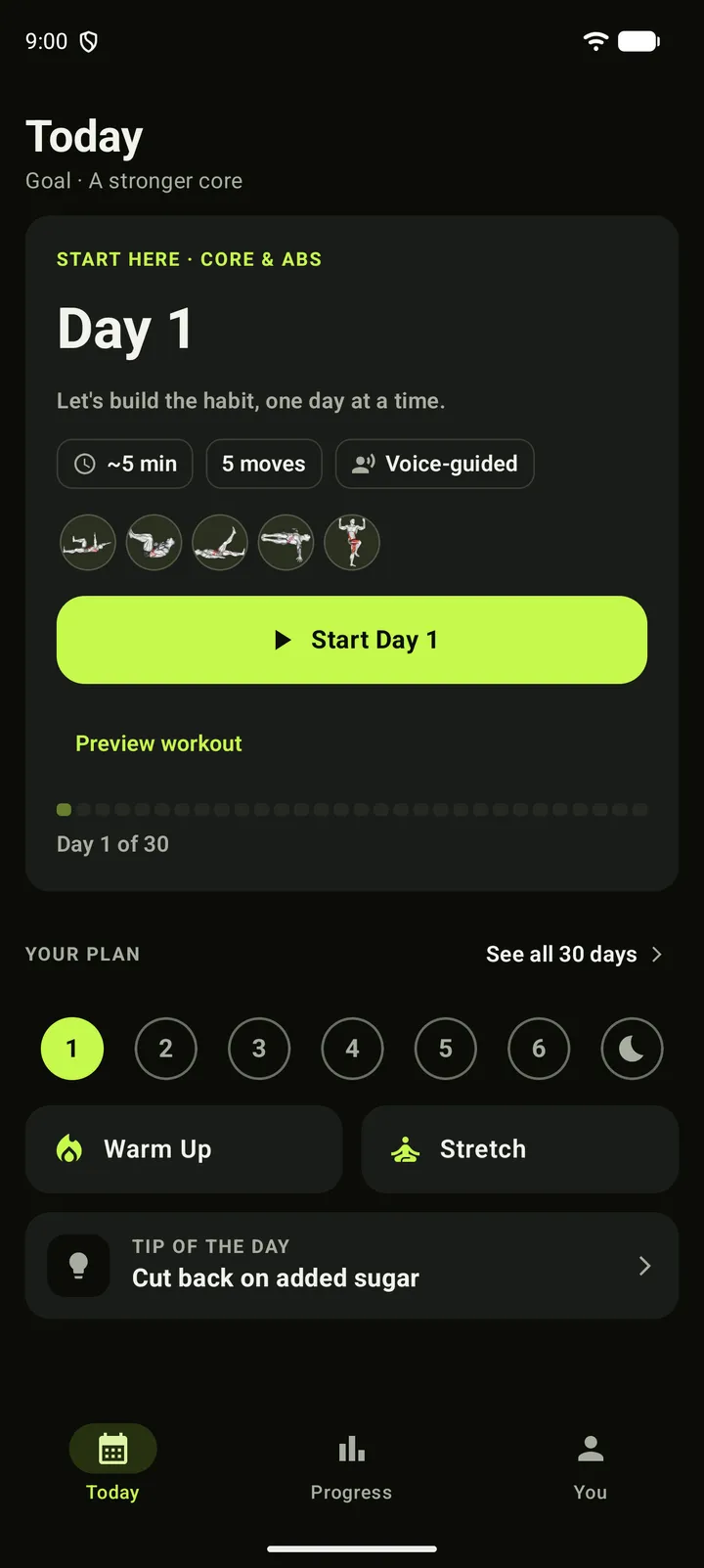
30 Day Abs on Android. Today shows Day 1, its five moves, about five minutes, and a Start Day 1 button.
  • Free to start: Core at every level
  • From 5 minutes a day, no equipment
  • Works offline, no account needed

5 min+

A day

30 days

One plan

No equipment

Train at home

4 languages

App and coach

How a day works

One tap. One voice. Done for today.

Today puts your workout first. Press start, put the phone down, and the coach takes it from there.

  1. Put the phone down

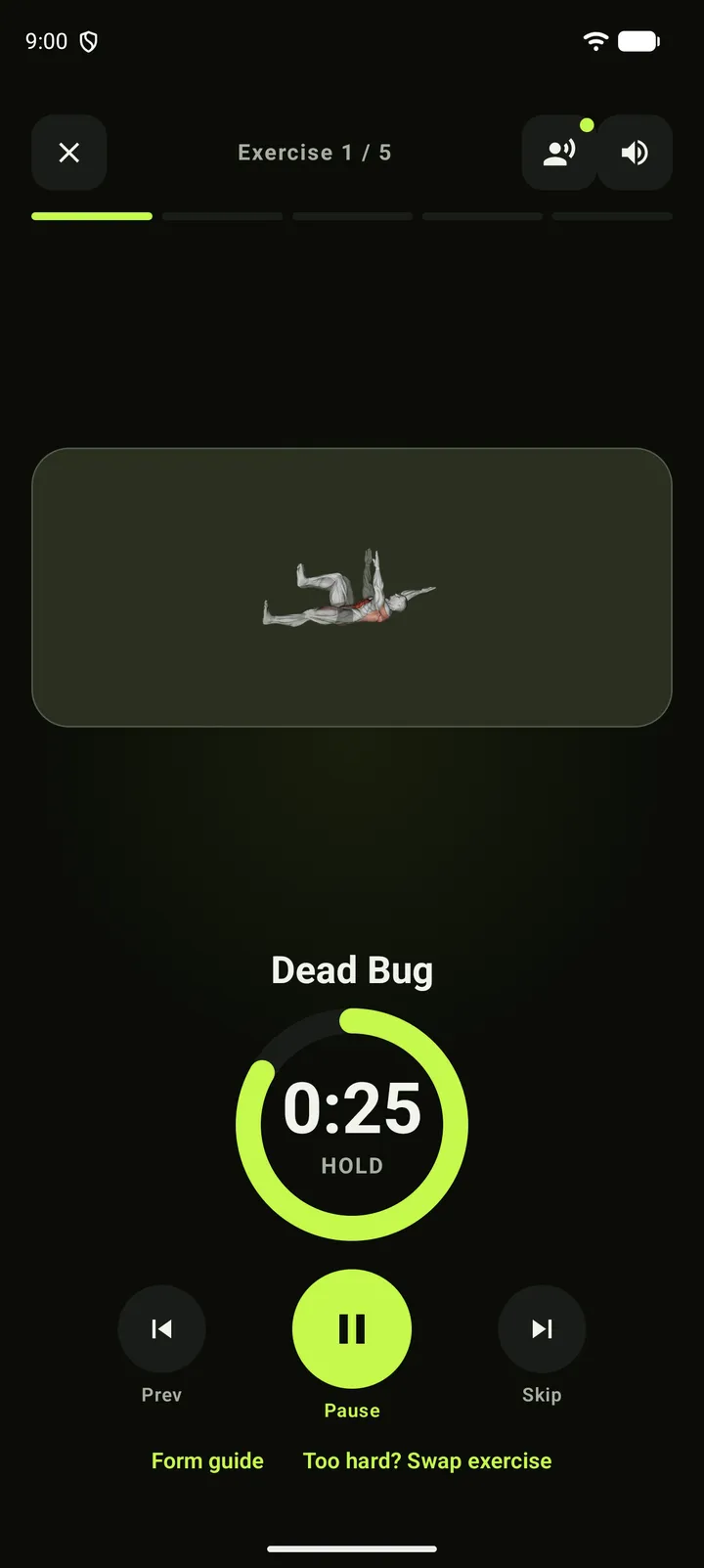
    The coach names each move, tells you how many reps, cues your form and counts you out 3‑2‑1.

    The workout screen: the exercise demo, a countdown ring and the coach controls.
  2. See what you did

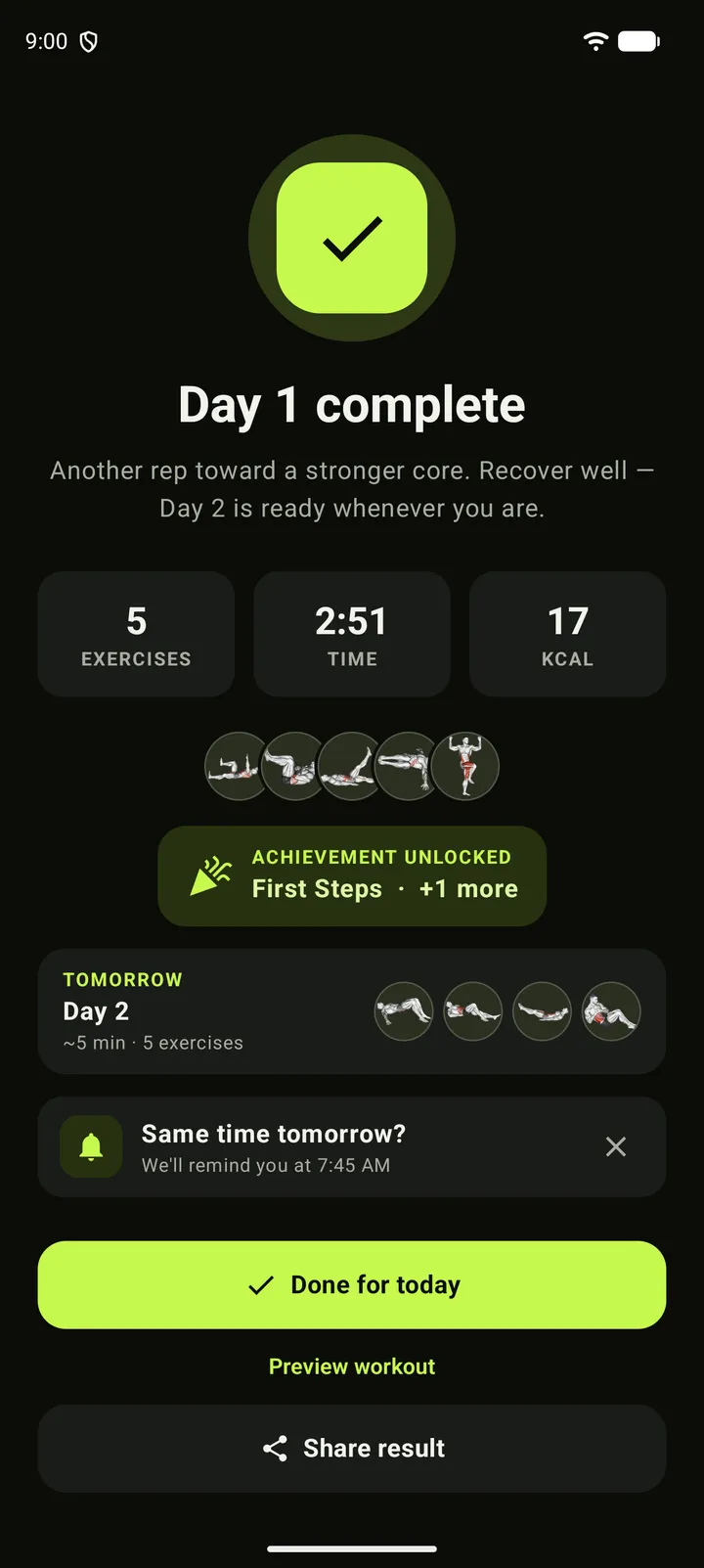
    Every finished day shows the moves, the time and an estimate of the calories.

    Day 1 complete: exercises, time and calories.
  3. Today says you’re done

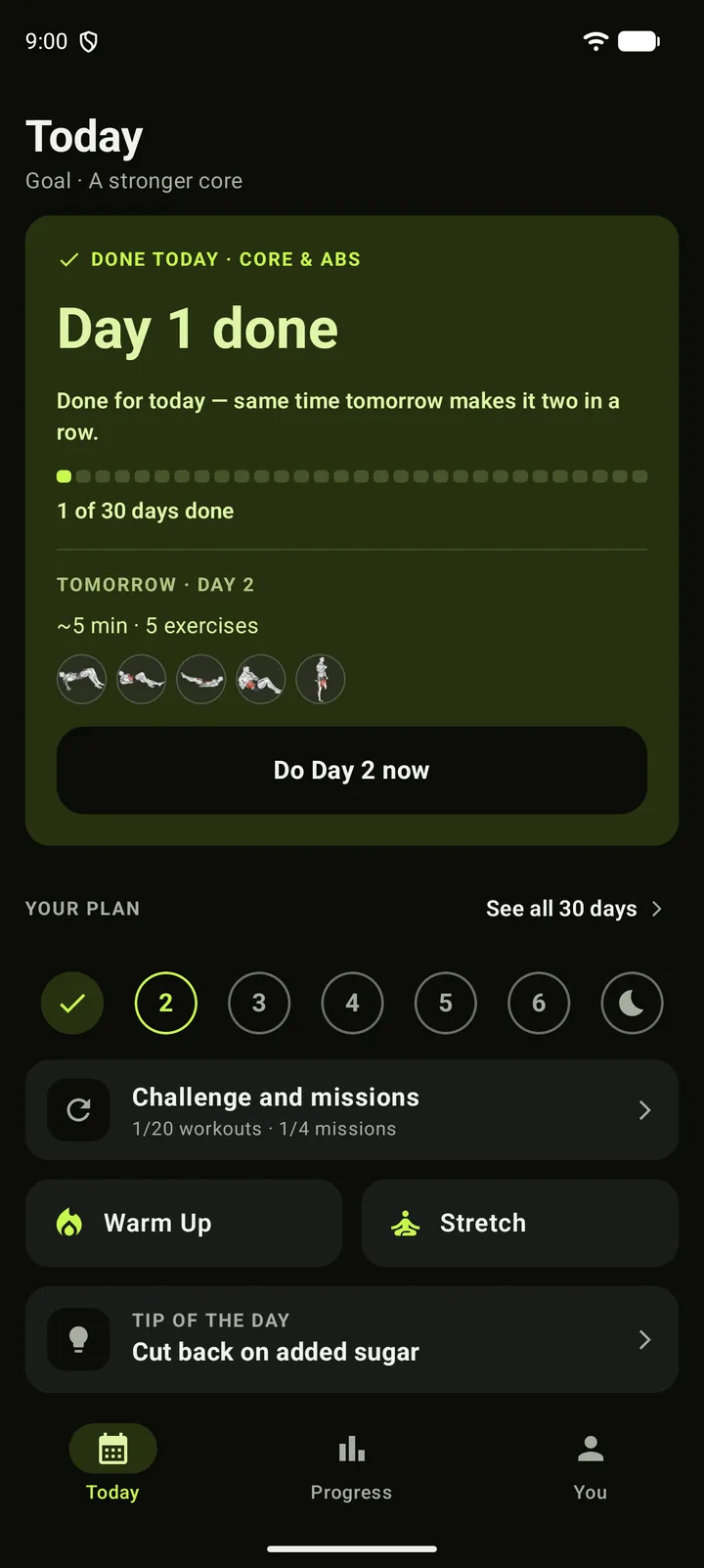
    Then it shows tomorrow’s workout, so Day 2 is already waiting.

    Today after the workout: Day 1 done, and a preview of Day 2.

Voice coach

A coach that talks, so you don’t have to look.

Every workout is spoken from start to finish, in your language.

  • Names every move and how many reps
  • Form cues, and “halfway there” on longer holds
  • A spoken 3‑2‑1 with beeps and a buzz
  • Four voices, calm or energetic
  • English, Spanish, French and Portuguese
  • The calm voices work offline

Too hard? Swap it

Pick one of up to six moves for the same area, mid-workout.

A form guide for every move

How to do it, breathing, common mistakes and tips.

Play the coach

8 s · sound on

What the coach says

  1. 3 · 2 · 1
  2. Plank
  3. 30 seconds
  4. Rest on forearms and toes, elbows under shoulders.

Your plan

Two questions. Then Day 1.

Pick a focus and how long you can hold a plank to see where your 30 days would start.

Where do you want to focus?

This sets the program for your 30 days. You can switch later.

How long can you hold a plank?

Your plan is ready

Core & Abs

  • Beginner
  • 30 days
  • No equipment

Today · Day 1

5 exercises · ~5 min

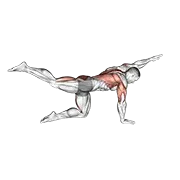
  • Bird Dog
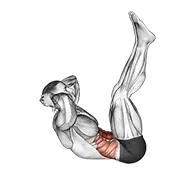
  • Toe Touches
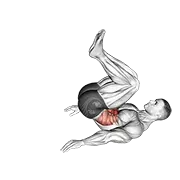
  • Reverse Crunches
  • Bent-Knee Windshield Wipers
  • Butt Kicks

The next 30 days

  1. Day 7 the moves click
  2. Day 15 core check: beat Day 2
  3. Day 30 chapter one done

Days 7, 14, 21 and 28 are rest days. Finish the 30 days to move up a track or switch focus.

In the app, two quick questions build this plan. Nothing you pick here is saved or sent.

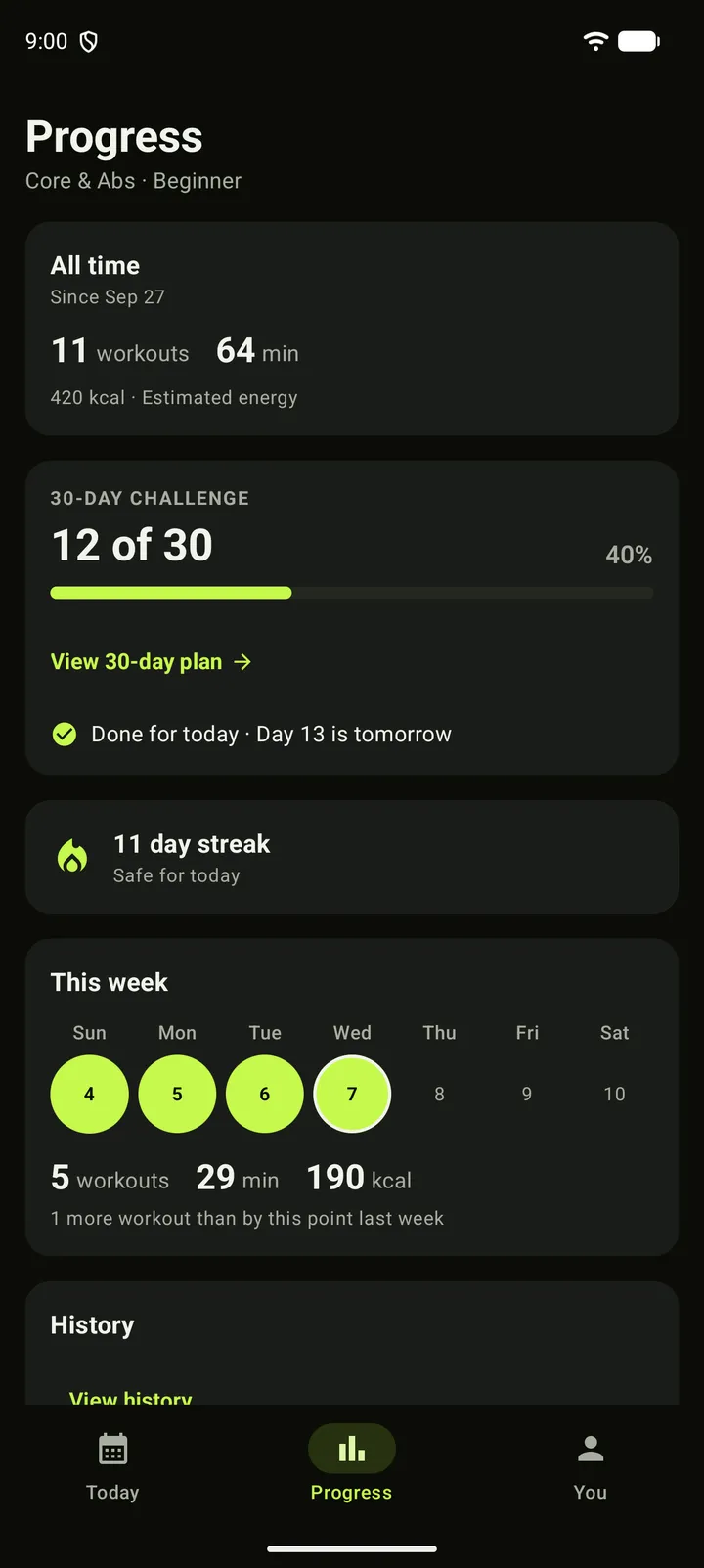
The Progress tab: the 30-day challenge, lifetime totals and this week.

Progress

See the days you complete.

Your challenge, your totals and a streak that forgives a missed day.

  • Your 30-day challenge, day by day
  • A streak that forgives one missed day; rest days count
  • Every workout in your history and calendar
  • Optional weight and BMI
  • Saves to Health Connect or Apple Health
  • A daily reminder and a home-screen widget

On your wrist

Keep moving from your wrist.

Both watch apps start Day 1 on their own and follow the workout you start on your phone.

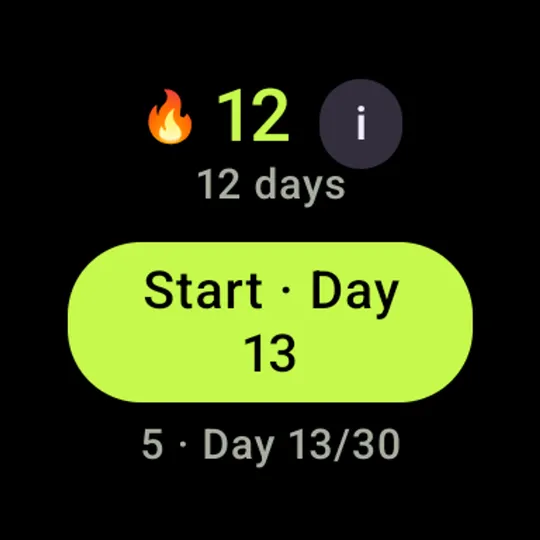
The Wear OS app: a 12-day streak and a Start Day 13 button.

Wear OS

Android
  • Start without your phone — The 30-day Beginner track is built into the watch, so Day 1 is ready on your wrist.
  • Pair for the full plan — Mirror and control phone workouts, sync programs and keep completed days up to date.
  • Stay on track at a glance — Feel every phase change on your wrist, and check your streak from the Tile or a complication.

Wear OS 3+ · pairing is optional for the starter track and needed to sync the full plan
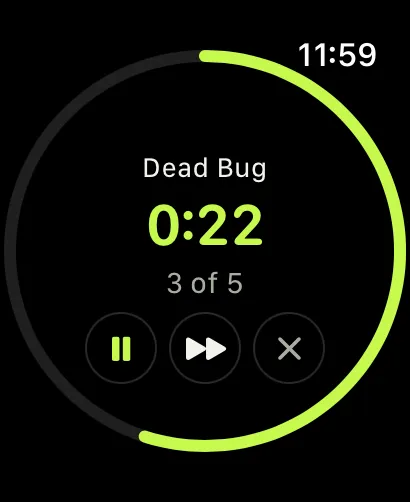
The Apple Watch app mid-workout: Dead Bug, 22 seconds left, exercise 3 of 5.

Apple Watch

iPhone
  • Start without your iPhone — The 30-day starter track is built into the watch, so Day 1 starts from your wrist.
  • Your iPhone workout, live — The watch mirrors it — phase ring, exercise and countdown — with Pause, Skip and Quit.
  • Your streak at a glance — Complications and the Smart Stack keep your streak and current day in view.

Free to start. Pro when you want more.

$0

To download and train, on Android and iPhone

On Android, Pro unlocks every day of every program and removes ads: $18.99 a year with a 7-day free trial, $2.99 a month or $37.99 once (C$14.99, C$2.99 and C$29.99 in Canada). On iPhone, everything is included.

  • Core at every level: Beginner, Medium and Hard
  • The first week of every focused program
  • A locked day? Watch one short ad and train
  • Four coach voices in four languages
  • Warm-up and stretch routines
  • Swap any exercise
  • Works offline, no account needed
  • Never an ad during a workout

Questions before Day 1

How long does a workout take?

Day 1 takes about 5 minutes on Beginner and about 8 on Medium. Days grow as the plan builds: around 6 to 9 minutes on Beginner and 10 to 13 on Medium, including the short warm-up and stretch that start with your second workout (you can turn them off).

Do I need any equipment?

No. Every exercise uses bodyweight, so you can train at home or anywhere you have room to move.

Can a complete beginner do it?

Yes. Two quick questions set your starting track, Beginner builds up gradually with rest days and form guidance, and you can swap any move that doesn’t feel right.

What if I miss a day?

Come back when you can. Your streak forgives one missed day, rest days count toward it, and every finished workout stays in your history.

What does it cost?

Nothing to start. Core is free at every level, with the first week of every focused program and every coach voice. On Android, Pro unlocks every day of every program and removes ads: $18.99 a year with a 7-day free trial, $2.99 a month or $37.99 once (C$14.99, C$2.99 or C$29.99 in Canada; Google Play shows your local price). A locked day can also be opened by watching one short ad. On iPhone there is nothing to buy.

Does it work offline and without an account?

Yes. Workouts, the calm coach voices and your progress all work on the device; exercise demos download the first time you need them. An account is optional and adds cloud backup and sync across devices.

Which devices are supported?

30 Day Abs is on Android and iPhone, and both have a watch app. On Wear OS 3+ (Android) and on Apple Watch (iPhone), the built-in Beginner track runs without your phone, and a paired watch mirrors the workout you start on your phone.

Which languages does it speak?

English, Spanish (Latin America), French and Brazilian Portuguese: the app, the exercises and the coach’s voice.

What happens to my data?

We never sell it, and you never need an account. The privacy policy explains exactly what the app keeps and what it sends. Read the privacy policy

Day 1 is ready. Start when you are.

Download 30 Day Abs and begin a short routine you can keep coming back to.

Free to start on Android and iPhone · no account needed